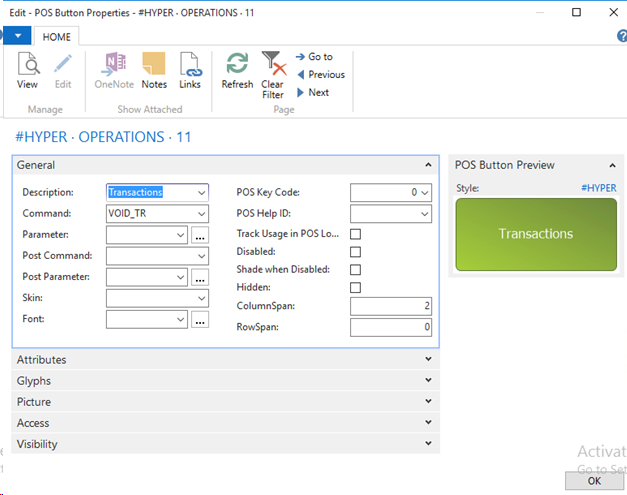
Create a Button to Open the Transaction register Data grid with the Command field set to VOID_TR.
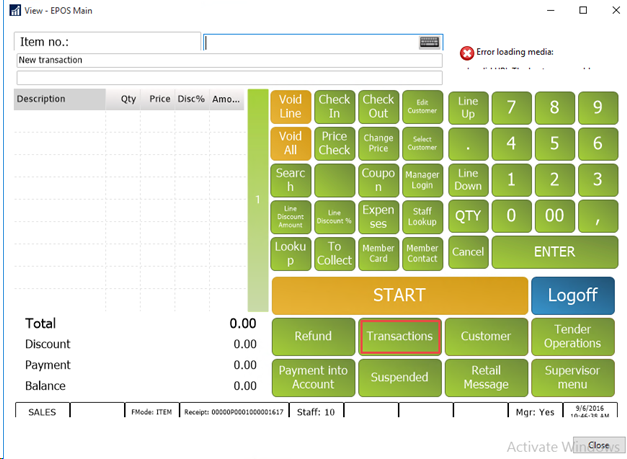
This will open up a list of all posted transactions on the POS.
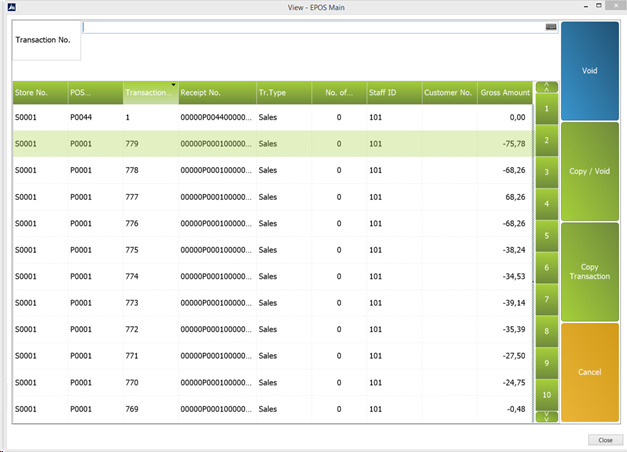
Three different button types, Copy, Void, and Void/Copy, are needed for the different tasks in the transaction registry.
Copy
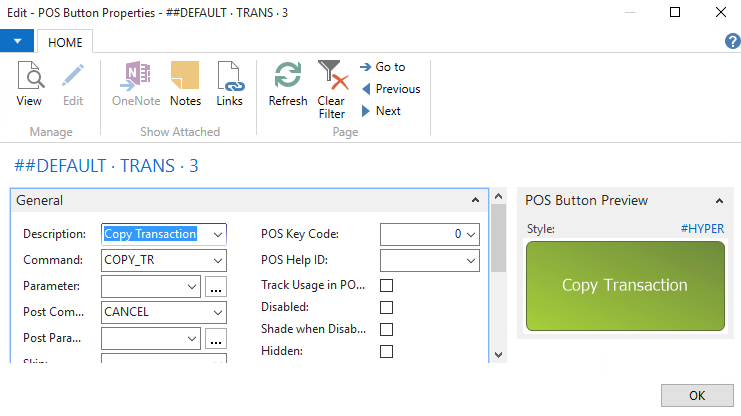
For the Copy button set the Command field to COPY_TR.
Set the Post Command field to CANCEL to bring the cashier back to the sales journal when the copying is finished.
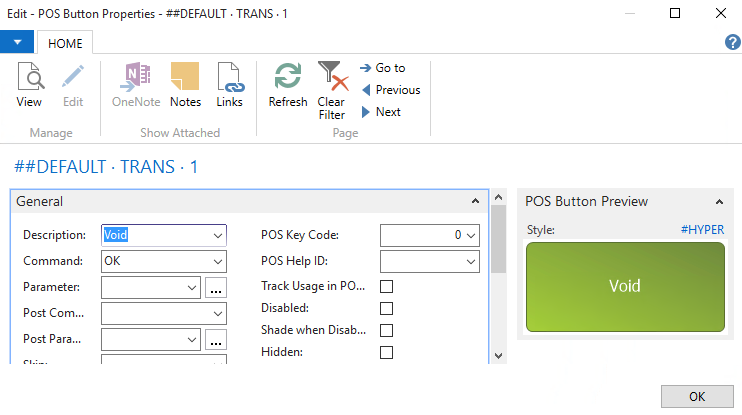
For the Void button set the Command field to OK.
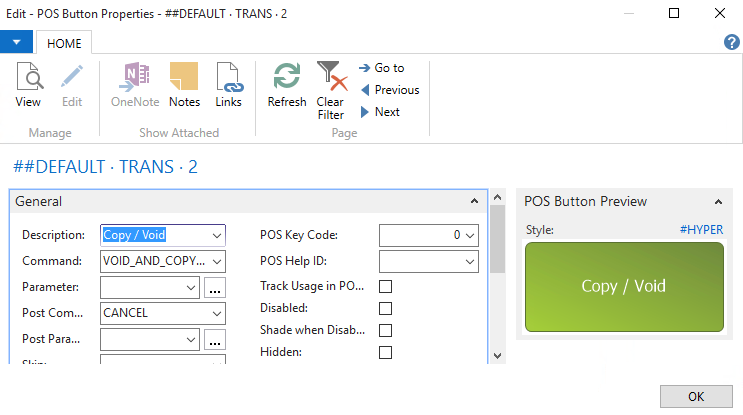
For the Void button set the Command field to VOID_AND_COPY_TR.
Set the Post Command to CANCEL to bring the cashier back to the sales journal when the copying is finished.